Choose your
option.
Overtune Tweaks
Full software optimization. Windows, drivers, network, and input — done.
- Full Windows 10 / 11 optimization
- GPU driver + control panel tuning
- Network tuning (DNS, QoS, TCP timers)
- Game-specific optimizations
- Input pipeline + polling refinement
- Controller overclocking + small fixes
- Windows bloatware cleanup
- Live Discord session at your booked time
Guaranteed results · No refunds
Tweaks + Overclock
Everything in Tweaks, plus a live remote CPU / GPU / RAM overclock.
- Everything in Overtune Tweaks
- CPU overclock
- GPU overclock
- RAM overclock
- Stability tested
- Service report with before/after results
- 24/7 support
- Live Discord session at your booked time
Guaranteed results · No refunds
The community
doesn't lie.
Real posts from pro players and content creators. No fake reviews, just pure W's.

"TRIED EVERYTHING and Overtune maxed out my 9800X3D + RTX 5090. Insane results. Best performance boost I've got so far."

"My FPS went from 180 to 280 stable and my aim actually feels more consistent. Overtune is the only optimization I trust now."

"Best optimization by my goat @overtune — insane results on the new PC. Ping dropped 15ms and stutters are gone."
"HUGE vouch to @overtune for hooking me up with tweaks and overclock game never felt so smooth."

"went from 120fps endgame to stable to 240, can actually compete now @overtune"

"just got fully tweaked by @overtune"

"just seen 1000fps on fortnite, thanks @overtune"
"Gave @overtune a shot, game feels like butter"

"if you haven't go get right with @overtune"
"TRIED EVERYTHING and Overtune maxed out my 9800X3D + RTX 5090. Insane results. Best performance boost I've got so far."
"My FPS went from 180 to 280 stable and my aim actually feels more consistent. Overtune is the only optimization I trust now."
"Best optimization by my goat @overtune — insane results on the new PC. Ping dropped 15ms and stutters are gone."
"HUGE vouch to @overtune for hooking me up with tweaks and overclock game never felt so smooth."
"went from 120fps endgame to stable to 240, can actually compete now @overtune"
"just got fully tweaked by @overtune"
"just seen 1000fps on fortnite, thanks @overtune"
"Gave @overtune a shot, game feels like butter"
"if you haven't go get right with @overtune"
How it works.
Pick your needs
Choose Overtune Tweaks or the full Tweaks + Overclock bundle. Starting at $65. Pay with card, PayPal, or crypto.
Book your session
Pick a date and time, drop your Discord username, and join the server. Everything is done hands-on with you.
Click optimize
At your session time we apply every tweak live with you over Discord. Every change is safe and reversible.
Remote overclock setup
Overclocking is done live over a screen-share session. You'll walk through the process with us step-by-step so your CPU, GPU, and RAM are pushed to stable, tested limits.
Built for
competitive gamers.
Competitive FPS playersMain fit
You play Fortnite, Valorant, or Call of Duty and want smoother frames, less input delay, and fewer stutters when it counts.
Underperforming PCsAudit
Good specs on paper but your PC still feels slow, choppy, or worse than similar builds online.
BIOS + CPU tuningHardware
We check PBO, boost limits, thermals, power settings, and stability before pushing anything further.
RAM timing workDDR4/DDR5
We manually tune your RAM timings on DDR5 and DDR4 kits when your board and memory can handle it safely.
Windows gaming stackOS
Drivers, startup apps, overlays, game settings, and background junk — all cleaned up for stable gameplay.
Proof before we leaveSession
You watch every change live. We benchmark at the end so you see the difference before the call is over.
Real games.
Real gains.
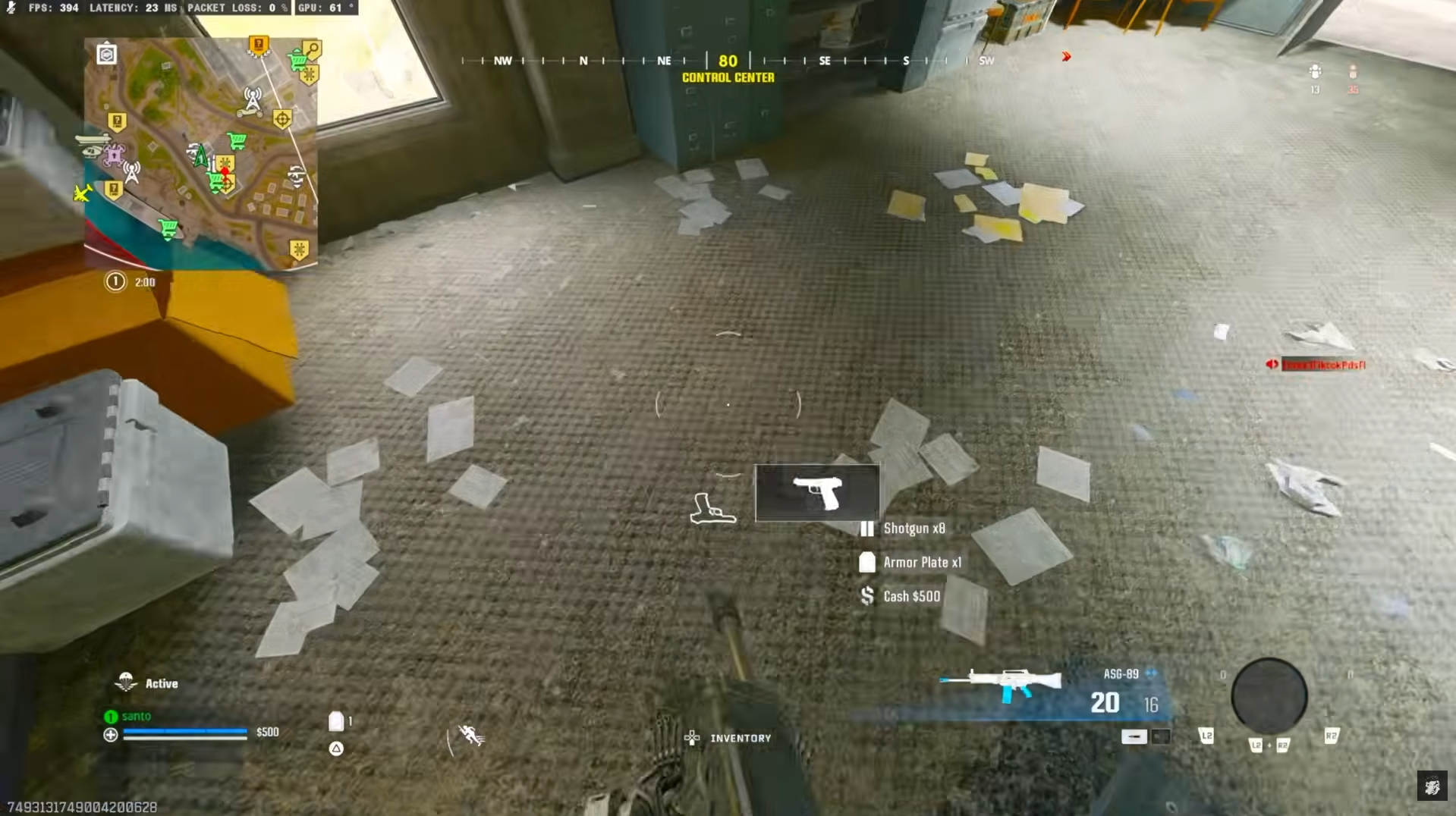
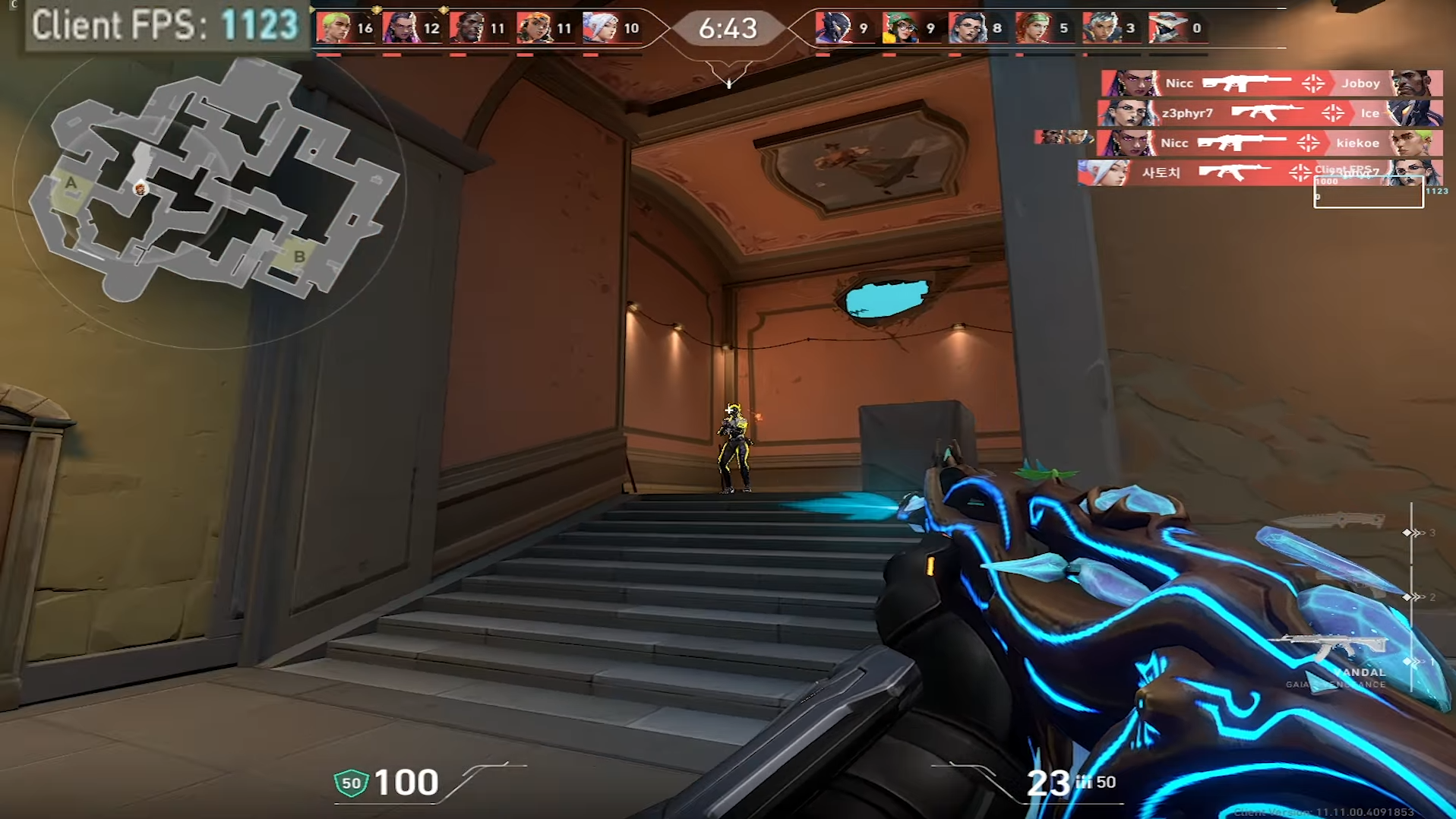
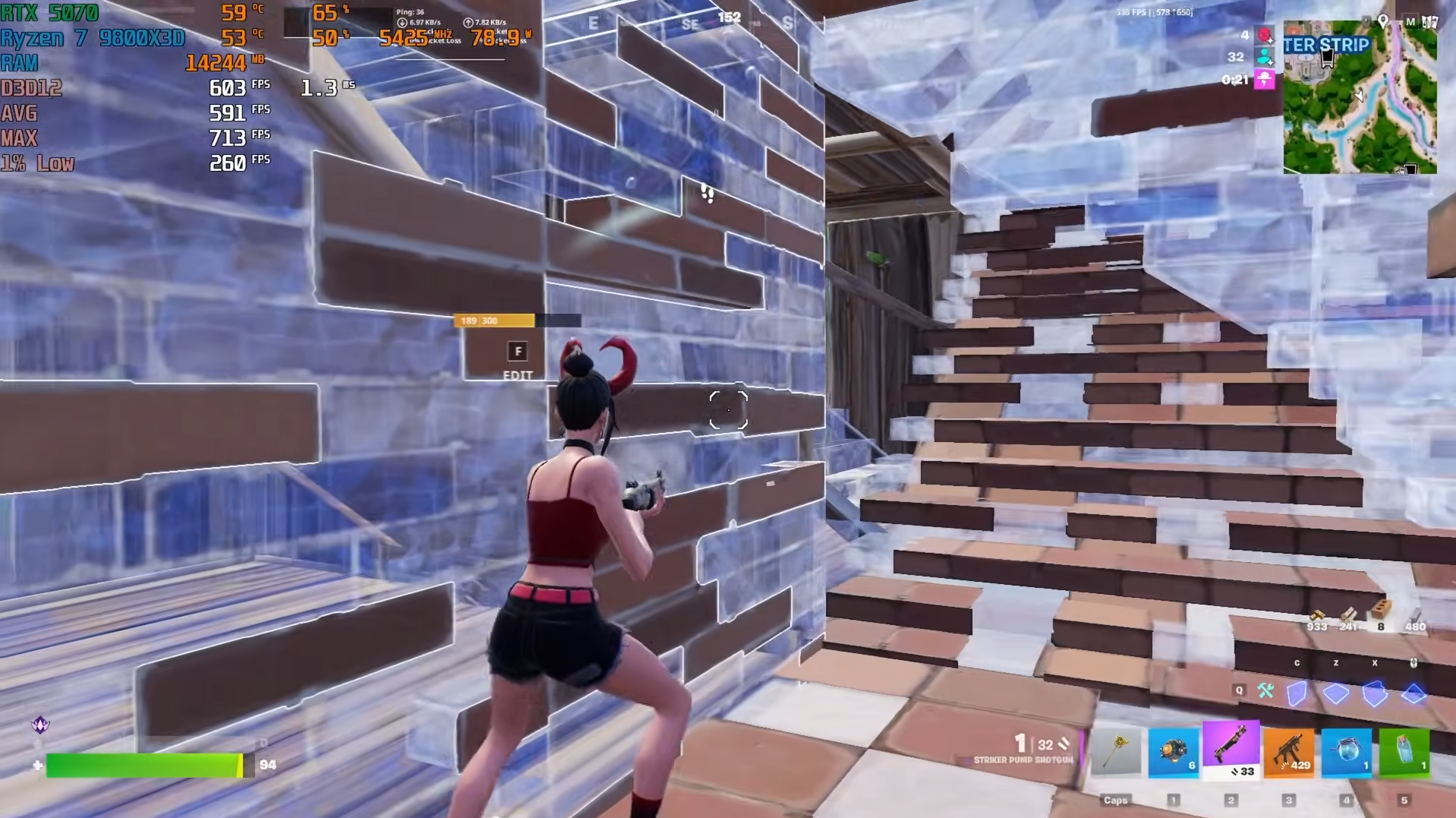
Average FPS before and after Overtune on the same hardware.



Questions,
answered.
PC Optimization built for FPS boost and lower input delay
Overtune is a Windows Optimization and Gaming Performance platform for competitive PC gamers. We tune the parts of Windows 10 and Windows 11 that quietly cost you frames — background services, GPU driver behavior, CPU scheduling, memory management, and the network stack — so your gaming PC delivers a real FPS boost, lower input delay, and more stable ping in every match.
If you play Fortnite, Valorant, Call of Duty, Apex Legends, CS2, or any other competitive shooter, PC Optimization is the difference between a machine that can run your game and one that is actually tuned to run it. Overtune's Gaming Performance tweaks target the exact bottlenecks that create stutters, frame time spikes, and sluggish inputs on stock Windows installs.
We tweak hidden settings across Windows, drivers, and game launch options to set up FPS boost across popular titles. Every tweak is aimed at one of three goals: FPS boost through deep Windows Optimization, Reduce Input Delay across the mouse, keyboard, and display pipeline, and network tuning for lower and steadier ping. Nothing we do touches game files, injects code, or interacts with anti-cheat — Overtune is pure PC Optimization on the operating system, driver, and network layer, and every change is fully reversible.